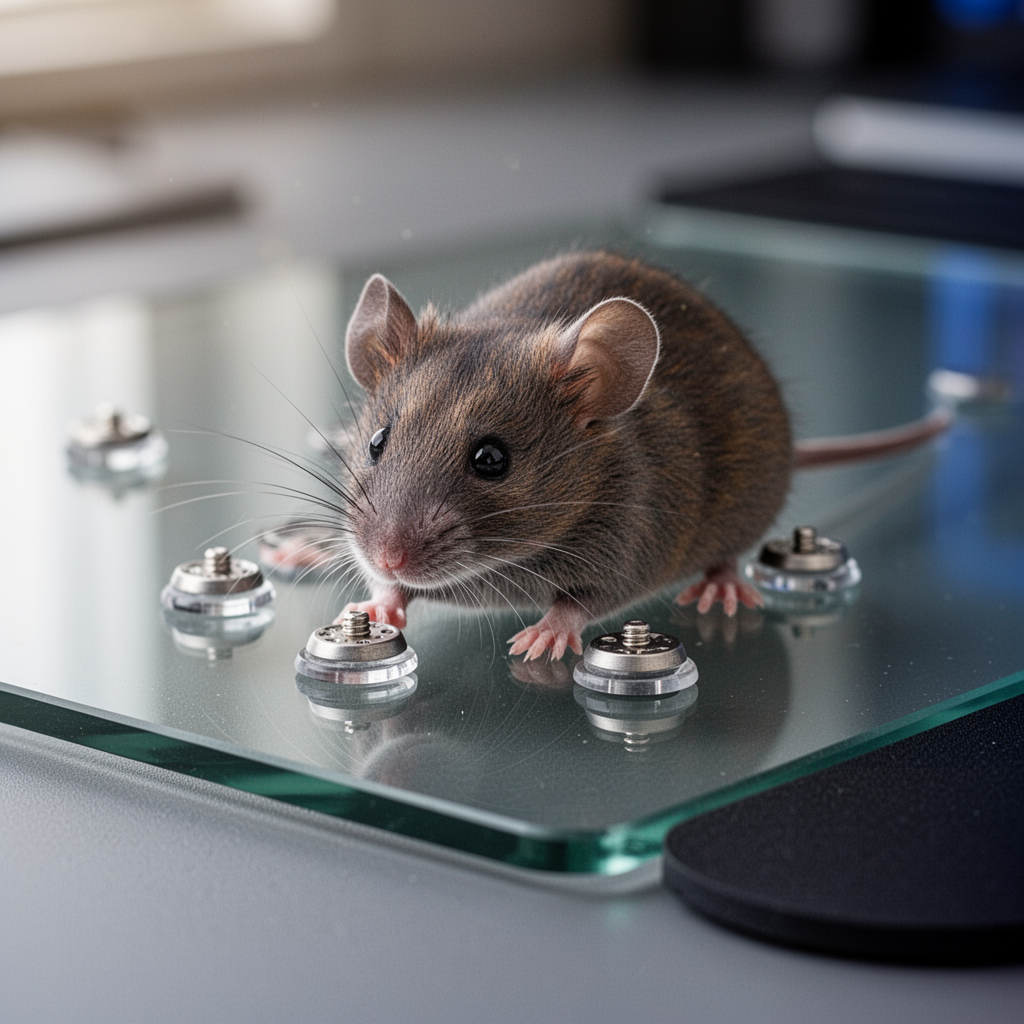
Glass mouse pads have revolutionized the competitive gaming scene. Offering a surface that is virtually frictionless, they provide a consistent, lightning-fast glide that cloth pads simply cannot match. However, the unique surface texture of glass—whether it’s tempered glass or specialized coatings like the Skypad—demands a specific type of foot contact. If you use standard stock mouse feet, you might experience a "scratchy" feeling, rapid wear, or inconsistent tracking.
Finding the best mouse skates for glass mouse pads is the difference between feeling like you are dragging your mouse through sand and achieving that perfect, "effortless" aim. Because glass is harder than traditional plastic or cloth, it acts like a whetstone; if your skates are too soft, too thin, or have sharp edges, they will degrade quickly and damage your aiming precision. In this guide, we dive deep into the materials, shapes, and thicknesses you need to look for to ensure your sensor tracking remains pixel-perfect and your glide remains buttery smooth. Whether you are a high-sensitivity casual gamer or a low-sensitivity tactical shooter pro, your choice of skates is the most critical upgrade for your setup.
Buying Guide: Selecting the Right Skates for Glass
When you transition to a glass surface, the friction profile of your mouse changes entirely. Here is what you need to prioritize when shopping for aftermarket skates.
What to Look For
- Material: PTFE (Polytetrafluoroethylene) is the industry standard. Look for "100% Virgin Grade PTFE" as it offers the lowest friction. Avoid cheap, recycled plastics.
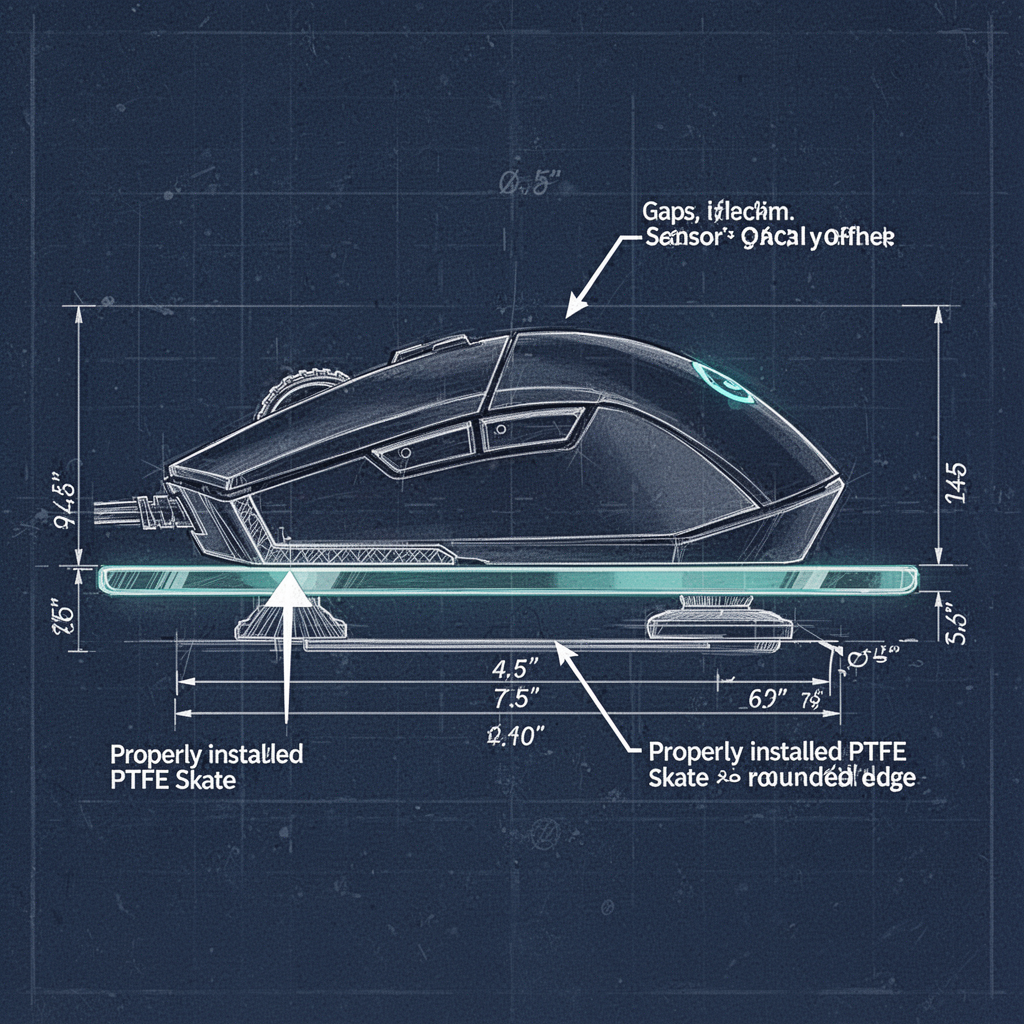
- Edge Rounding: This is the most important factor. Rounded edges prevent the skate from digging into the glass surface during micro-adjustments.
- Thickness: Generally, 0.6mm to 0.8mm is the "sweet spot." Thicker feet can interfere with the sensor’s Lift-Off Distance (LOD), causing your cursor to stop moving when you lift the mouse slightly.
- Surface Contact Area: Smaller dots or "skate feet" offer less friction, while larger, full-size pads offer more control. For glass, many users prefer smaller rounded dots to maintain speed.
Top Features Explained
- Uniformity: Consistent material density ensures that the glide feels the same when moving horizontally as it does vertically.
- Hardness: High-density PTFE lasts significantly longer against the abrasive nature of glass.
- Adhesive Quality: You want a 3M adhesive backing that stays secure but can be removed without leaving a gummy residue on your mouse chassis.
Best Options by Budget
- Budget (The "Dot" Upgrade): Generic 100% PTFE dots. These are affordable and allow you to customize the contact points.
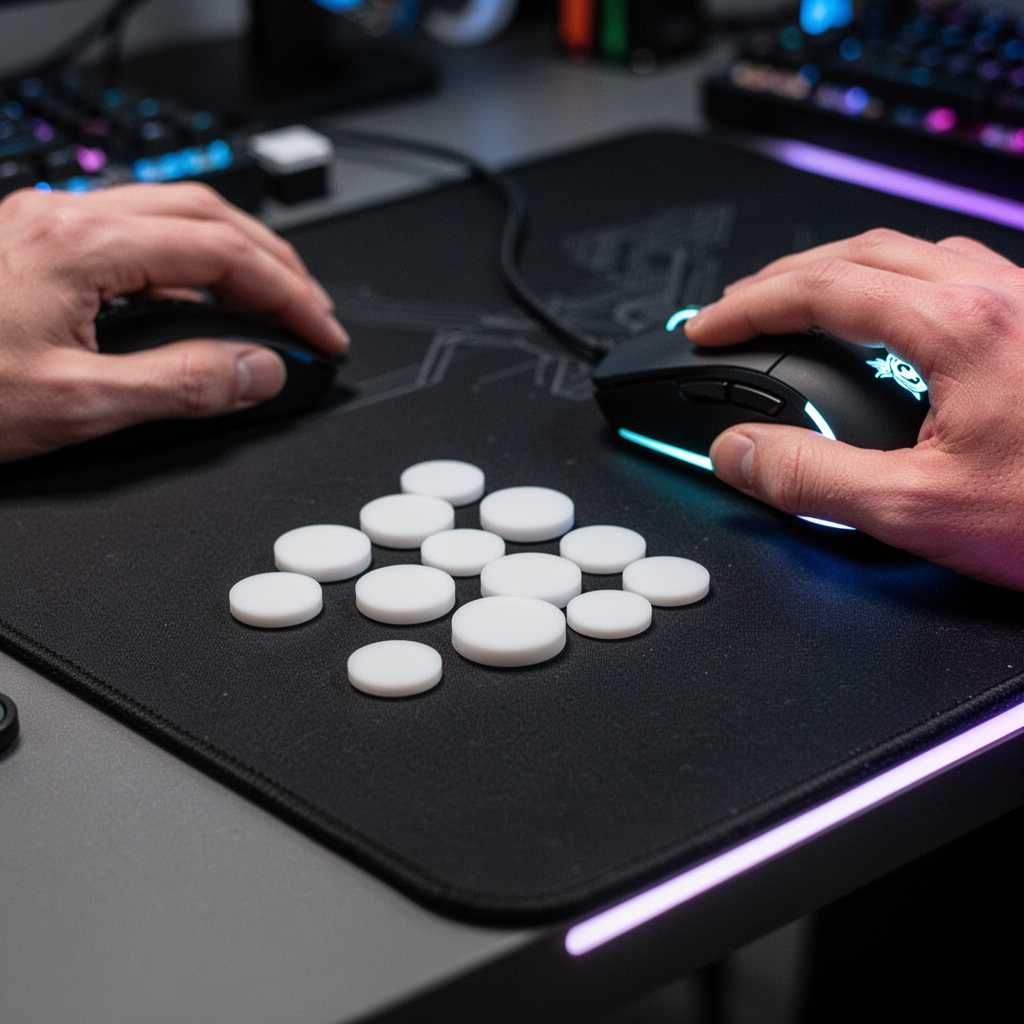
- Mid-Range (The Precision Choice): Brand-specific cutouts (like Tiger Arc or Corepad). These are custom-fitted to your mouse model and offer perfect fitment.
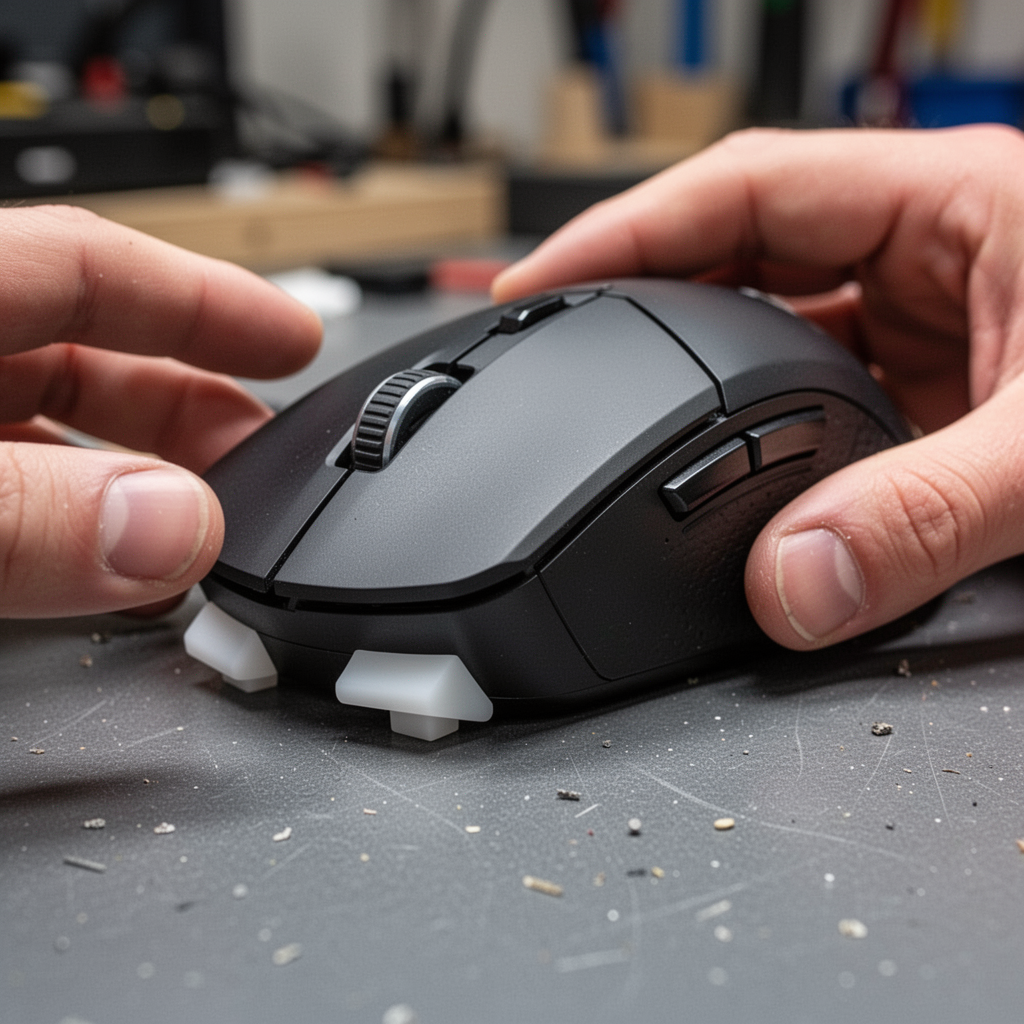
- Premium (The Ceramic/Saphire League): Specialized glass or sapphire skates. These are extremely durable but provide a radically different, faster glide profile.
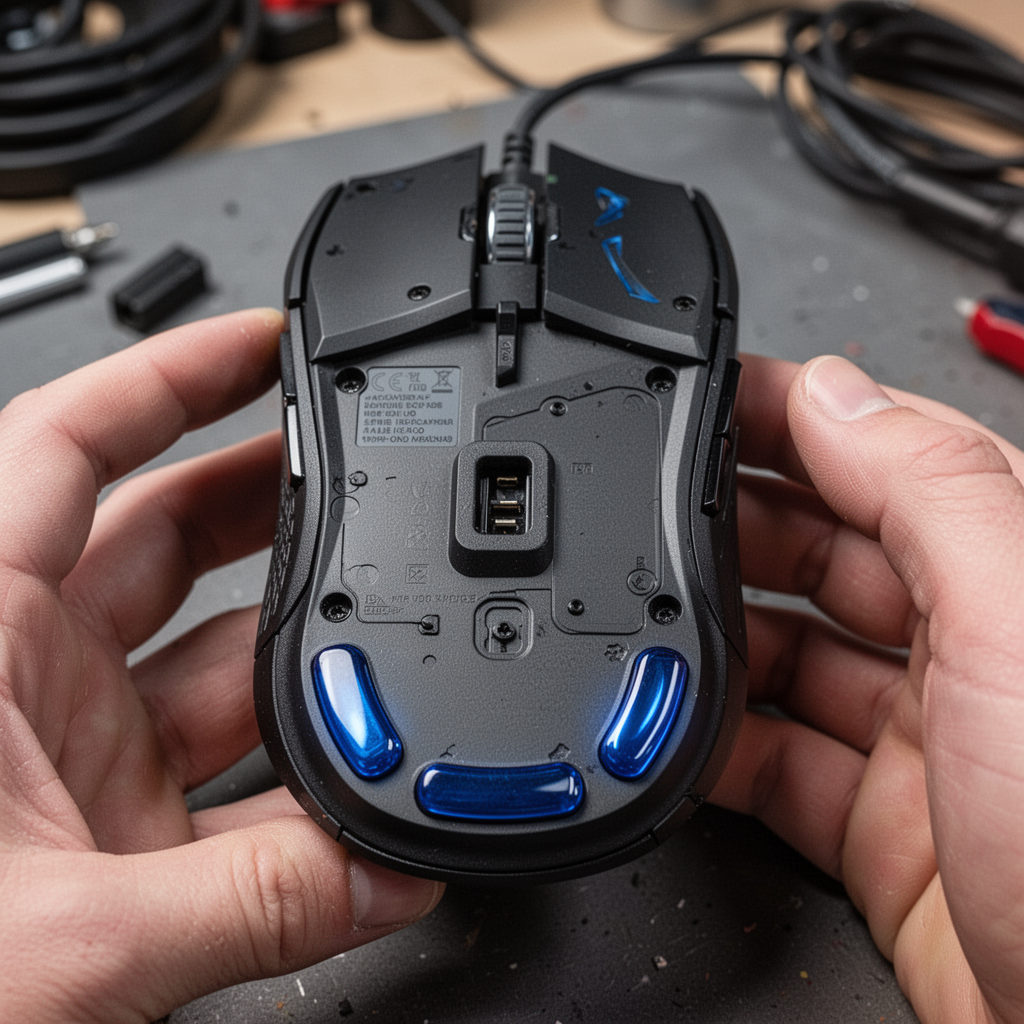
Why Your Mouse Skates Matter
The interaction between the mouse feet and the glass is a mechanical tribology challenge. Glass is non-porous and rigid. Unlike cloth, which compresses under the weight of your mouse, glass forces the feet to sustain all the pressure. If your feet are low quality, they will flatten out, creating a "suction" effect or excessive drag.
Beginner Tips for Better Glide
- Cleanliness is King: Glass pads require frequent cleaning. Even a single speck of dust can create an audible "scratch" sound. Wipe your pad with a microfiber cloth before every session.
- Break-in Period: New PTFE skates often feel "chalky" for the first 2-3 hours of use. Don't panic; they will smooth out as the microscopic burrs wear down.
- Sensor Calibration: If you have software like Razer Synapse or Logitech G-Hub, use the "Surface Calibration" feature. It helps the sensor account for the reflective nature of glass.
Common Mistakes to Avoid
- Mixing Materials: Don't put metal or ceramic skates on a surface not rated for them.
- Ignoring Residual Adhesive: Never stick new skates over the old adhesive. Use Isopropyl Alcohol (90%+) to clean the bottom of the mouse thoroughly.
- Over-tightening Screws: If you disassemble your mouse to clean it, don't overtighten the chassis screws; this can warp the plastic base and alter the skate performance.
FAQ: Your Questions Answered
1. Do glass mouse pads wear out mouse feet faster? Yes, significantly. Because glass is harder than plastic, it acts as a constant abrasive. You will need to replace your skates roughly 2-3 times more often than you would on a cloth pad.
2. Are ceramic skates better for glass pads? Ceramic skates offer incredible durability and a very fast glide, but they can be too fast for some players. They also have a unique sound profile. PTFE is generally recommended for those who want a balance of control and speed.
3. How often should I replace my skates? When you notice the "scratchy" feeling returning, or if you see visible flat spots on the edges of your skates, it is time for a change.
4. Can I use alcohol to clean glass pads? Yes, 70-90% Isopropyl alcohol is safe for tempered glass pads and helps remove oils from your skin.
5. What are "dots" vs "full skates"? Dots are small circular feet that reduce contact area, increasing speed. Full skates mimic the original design and provide a more stable, controlled feel.
6. Do glass skates work on cloth pads? No. Never use ceramic or glass feet on a cloth pad, as they can shred the fabric and create an inconsistent surface.
7. How do I remove the old adhesive? Use a Q-tip dipped in Isopropyl Alcohol. Rub in circular motions until the surface is clear.
8. Why is my cursor jittering on glass? This is usually an LOD (Lift-Off Distance) issue. If your skates are too thin, the sensor is too close to the glass, causing erratic tracking.
Blueprint: The Mechanical Layout
Safety Tips
- Surface Integrity: Glass pads are tempered, but they can chip if struck on the edges by a heavy object. Handle with care.
- Chemical Safety: When using Isopropyl Alcohol, ensure the room is well-ventilated and avoid contact with your eyes.
- Adhesive Disposal: Small mouse feet are a choking hazard for children and pets. Dispose of the old ones immediately after removal.
Conclusion
Investing in the best mouse skates for glass mouse pads is not just about aesthetics—it is a functional necessity for maintaining peak performance in competitive gaming. By choosing high-quality, rounded-edge PTFE skates, you minimize friction, protect your glass surface from unnecessary wear, and ensure your sensor tracking remains flawless.
Remember, the glide is a system: your mouse, your skates, and your pad must work in harmony. Start by cleaning your surface, choose a reputable PTFE brand, and give your new skates a few hours to "break in" before judging the performance. If you are struggling with control, consider swapping to a slightly larger set of skates to increase the friction. Now that you have the knowledge to optimize your setup, it’s time to get back into the game and experience the true potential of your gear. Upgrade your skates today and feel the difference in every flick and tracking shot.