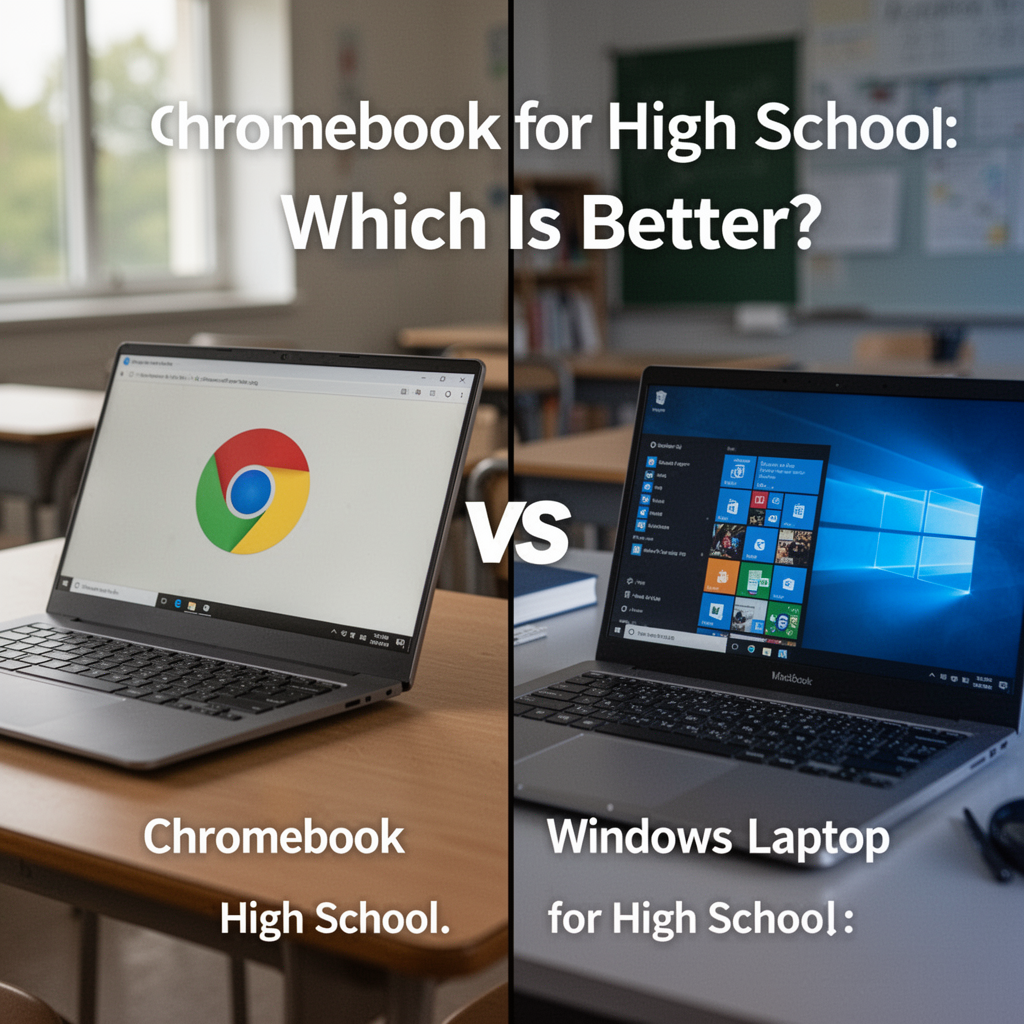
As a high school student prepares for a new academic year, the pressure to have the right technology is immense. From researching complex history papers to running simulations for physics class, your laptop is your primary lifeline. However, the market is flooded with options, leaving parents and students stuck in the classic debate: Chromebook vs Windows laptop for high school.

KardiaMobile 1-Lead EKG Monitor, Medical-Grade FDA-Cleared Personal Heart Monitor, Detects Normal, AFib & Arrhythmias, 30 Second Results, Works with Smartphones, Pocket Size, No Subscription Required
Is the cloud-based simplicity of a ChromeOS device enough to get you through four years of rigorous coursework? Or do you need the heavy-duty power and software compatibility of a Windows machine? This decision isn't just about price; it’s about workflow, durability, and future-proofing. Choosing incorrectly can lead to a frustrating school year filled with compatibility errors or, worse, a machine that simply can't keep up with your assignments. In this guide, we will break down exactly how these platforms differ, who they are best suited for, and which hardware options will actually survive the chaos of a high school locker.
Understanding Your Needs: What Are the Key Differences?
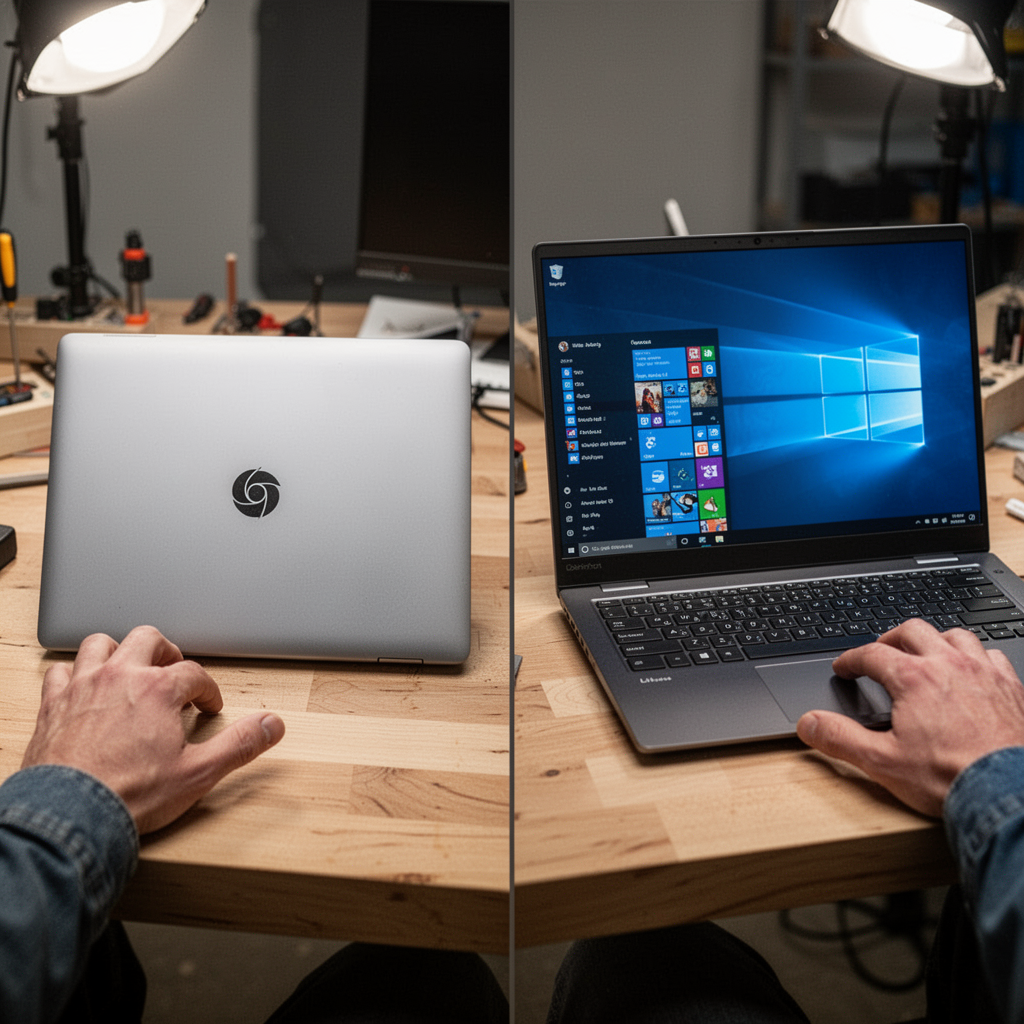
To make an informed decision, you must understand the fundamental architecture of these two systems. A Chromebook runs on ChromeOS, a lightweight, Linux-based operating system designed primarily for web browsing and cloud applications. A Windows laptop runs the full Windows 11 operating system, allowing for native software installation, high-end gaming, and complex multitasking.
Key Comparison Table
| Feature | Chromebook | Windows Laptop |
|---|---|---|
| OS | ChromeOS (Web-based) | Windows 11 (Full Software) |
| Storage | Primarily Cloud (Google Drive) | Local Hard Drive (SSD) |
| Software | Web Apps/Android Apps | Full .exe and Creative Suites |
| Battery Life | Exceptional (8-12+ hours) | Moderate (5-9 hours) |
| Price | Budget-Friendly ($200-$500) | Mid-to-High ($400-$1,200+) |
| Security | Built-in Sandboxing | Requires Antivirus/Care |
Who Should Choose Which?
The Case for Chromebooks
Chromebooks are perfect for the student who primarily lives in Google Workspace. If your school uses Google Classroom, Docs, and Sheets exclusively, a Chromebook is a dream. They are "set it and forget it" devices. Updates happen in the background, viruses are virtually non-existent, and the batteries last all day—crucial for a student who forgets their charger in their locker.
The Case for Windows Laptops
Windows laptops are necessary for students pursuing specialized tracks. If you are taking AP Computer Science, digital art classes, or video production, you need the power to run software like Adobe Creative Cloud, Visual Studio, or specialized engineering CAD tools. Windows offers the "full computer" experience that ChromeOS simply cannot replicate.

ASUS ROG Strix G16 (2025) Gaming Laptop, 16” FHD+ 16:10 165Hz/3ms Display, NVIDIA® GeForce RTX™ 5060 Laptop GPU, Intel® Core™ i7 Processor 14650HX, 16GB DDR5, 1TB Gen 4 SSD, Wi-Fi 7, Windows 11 Home
Buying Guide: What to Look For
When shopping for high school, don't just look at the price tag. Look for the "Survivability Specs."
Essential Features Explained
- Processor (CPU): For Chromebooks, an Intel Core i3 or MediaTek Kompanio is sufficient. For Windows, aim for at least an Intel Core i5 or AMD Ryzen 5 to ensure longevity.
- RAM: Never go below 8GB. 4GB is no longer enough to run modern web browsers smoothly. 16GB is the "Goldilocks" zone for power users.
- Build Quality: Look for military-grade (MIL-STD-810H) testing ratings. High school backpacks are rough environments.
- Display: A matte, anti-glare screen with at least Full HD (1920x1080) resolution is essential for reducing eye strain during long study sessions.

Top Options by Budget
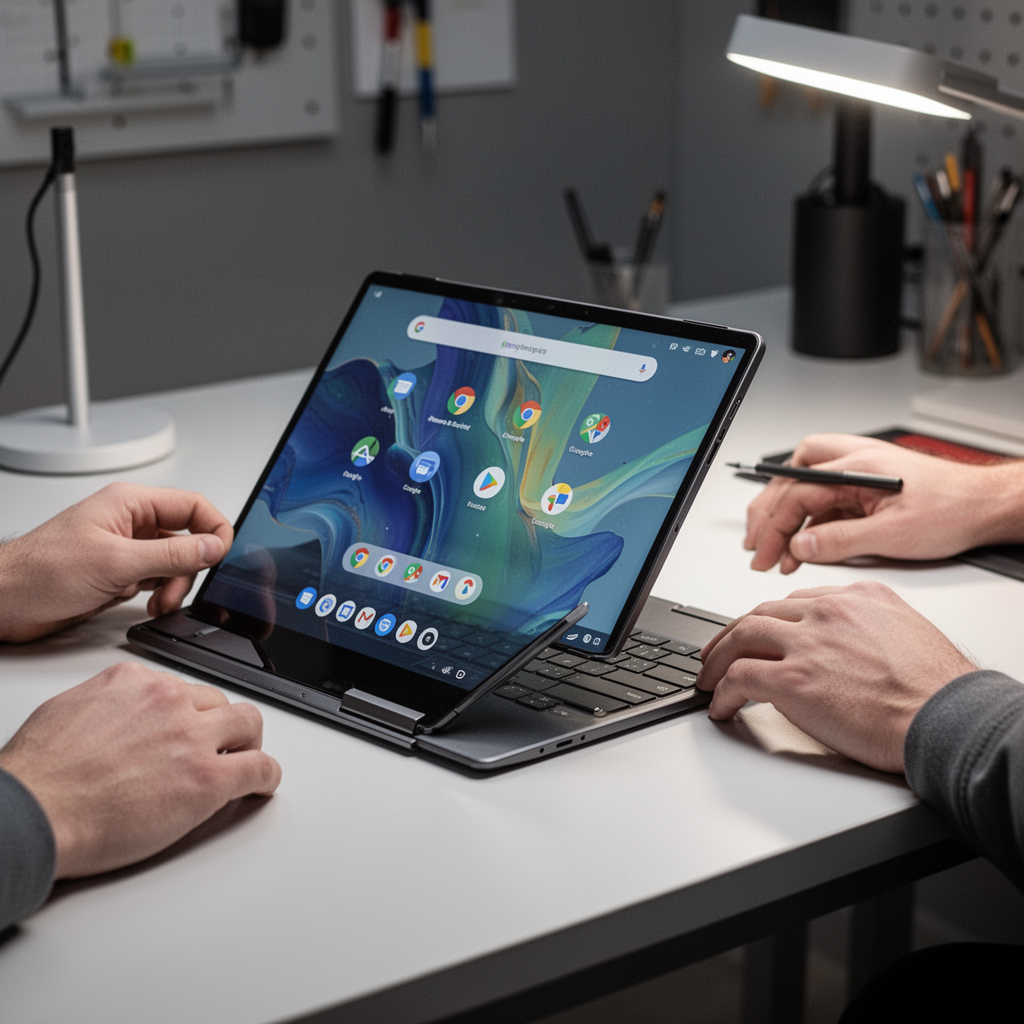
Best Budget Chromebook: Lenovo IdeaPad Flex 5i
This device offers a 2-in-1 design, allowing the student to use it as a tablet for reading or a laptop for typing. It’s perfect for basic research and writing tasks.
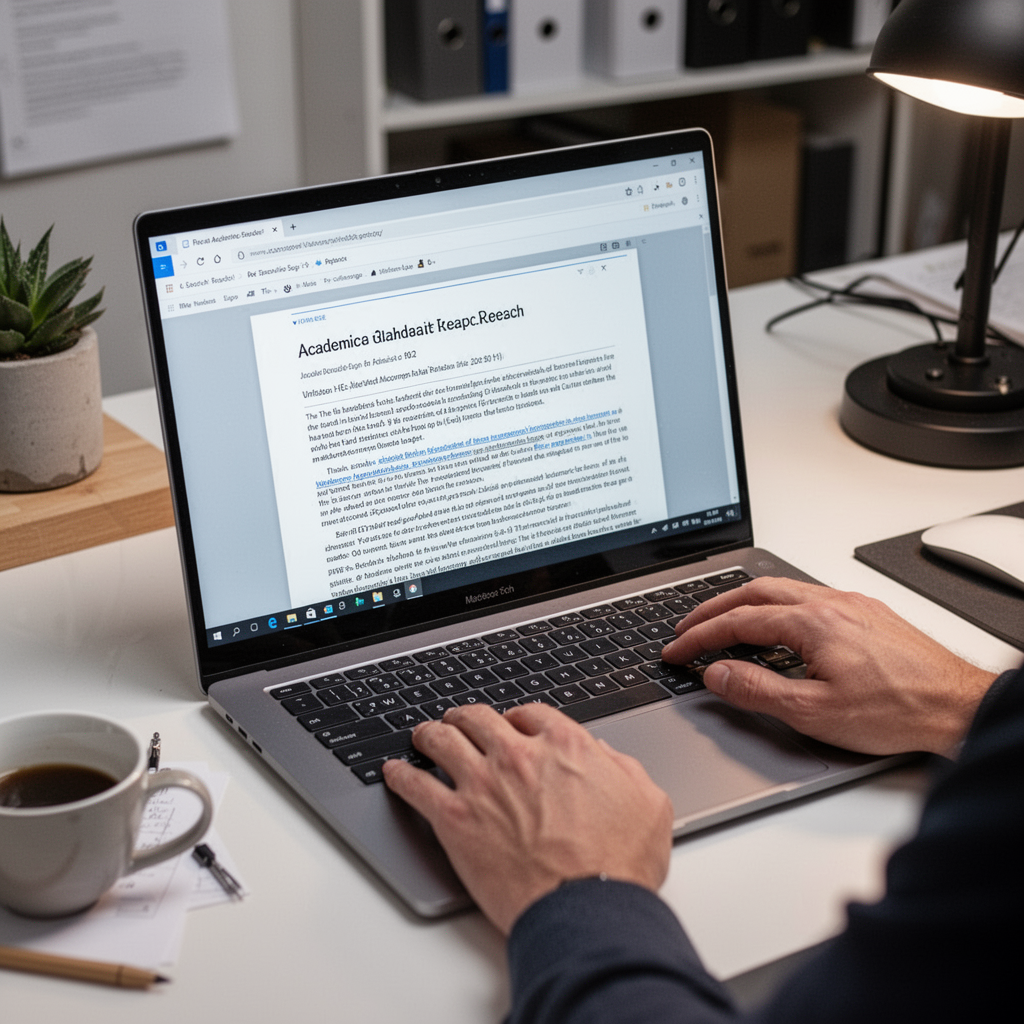
Best Mid-Range Windows Laptop: ASUS Vivobook 16
The Vivobook offers a massive screen and great performance for a very competitive price, making it ideal for students who need to view multiple documents at once.

Digital Photography Complete Course: Learn Everything You Need to Know in 20 Weeks
Best Premium Windows Workhorse: Dell XPS 13
For the student involved in honors programs or creative electives, this machine is light, fast, and extremely reliable.

Dell XPS 13 9345 Laptop, Copilot+ AI PC (13.4" FHD+ 120Hz, Snapdragon X Plus (> Intel i7-1355U), 16GB 8448MT/s RAM, 1TB SSD), Thin & Light, 27 Hours Battery Life, IR Webcam, Wi-Fi 7, Win 11 Pro
Beginner Tips and Common Mistakes
Tips for Success
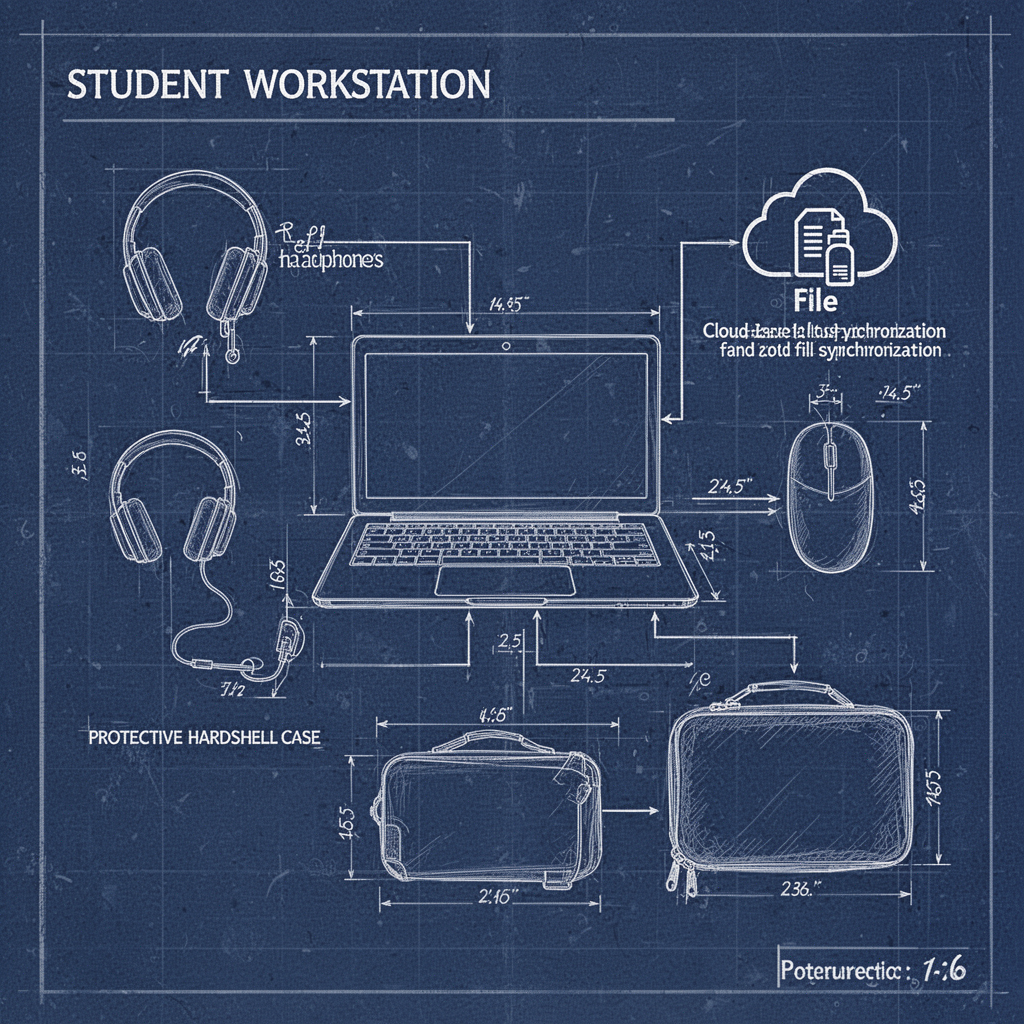
- Cloud Sync: Regardless of the device, sync your documents to the cloud. You don't want to lose a term paper because a laptop was dropped in the hallway.
- Keyboard Care: Use a keyboard skin to prevent crumbs and liquids from damaging the internal components.
- Peripheral Management: Invest in a reliable pair of noise-canceling headphones to keep focus during study hall.
Mistakes to Avoid
- Ignoring Updates: Whether it’s Windows or ChromeOS, never click "Remind me later" for security patches.
- Over-reliance on Local Storage: Always keep a copy of your work on a secure cloud server like OneDrive or Google Drive.
- Buying for Gaming Only: If your primary goal is high-end gaming, you will likely neglect your schoolwork. Balance performance with portability.
Frequently Asked Questions (FAQ)
1. Can a Chromebook run Microsoft Office? Yes, but it runs the web version. It is perfect for 90% of school tasks, but lacks the advanced features of the desktop app.
2. Does a Windows laptop get slower over time? Yes, Windows machines can collect "digital clutter." Performing a factory reset once a year can keep them running like new.
3. Are Chromebooks good for coding? Advanced Chromebooks now support "Linux Development Mode," which allows you to install coding environments like VS Code.
4. How much storage do I really need? For a Chromebook, 64GB is plenty. For a Windows laptop, aim for 256GB or 512GB of SSD storage.
5. Which is safer for students? Chromebooks are inherently more secure because they "sandbox" every tab, preventing malware from spreading.
6. Can I use a printer with a Chromebook? Yes, most modern printers support cloud printing or wireless connectivity directly through the ChromeOS settings.
7. Is a touchscreen necessary? It’s not necessary, but it is highly beneficial for navigating PDFs and digital textbooks.
8. Should I buy an extended warranty? For high school students, a "drops and spills" accidental damage warranty is almost always worth the investment.
Blueprint: The Ideal Student Setup
Safety and Maintenance Tips
To keep your investment running through all four years, follow these basic safety protocols:
- Transport: Always carry your laptop in a dedicated, padded sleeve inside your backpack. Never put a laptop in a bag with heavy textbooks without a hard case.
- Temperature: Do not leave your laptop in a hot car. Extreme heat can permanently damage the battery chemistry, leading to reduced life.
- Spills: Keep water bottles in a separate compartment from your electronics. If a spill happens, power down immediately, unplug it, and leave it open in a "V" shape until it is completely dry.
Conclusion
Choosing between a Chromebook vs Windows laptop for high school ultimately comes down to the specific curriculum and the student’s personal workflow. If the school year is focused on writing, research, and collaborative Google Classroom projects, a Chromebook provides the best value and ease of use. However, if your student is diving into STEM, creative arts, or heavy multitasking, a robust Windows machine is the superior choice for long-term versatility.

Lenovo IdeaPad 3i Chromebook, 15.6” FHD Display, Intel Celeron N4500, 8GB RAM, 64GB eMMC, 1920x1080 px, 720p Camera, Chrome OS, Abyss Blue
Remember, the "best" device is the one that stays functional, charged, and ready to work when the deadline hits. By prioritizing durability and the correct specs—like 8GB of RAM and a reliable processor—you are setting your student up for academic success. Invest wisely, prioritize a good protective case, and you’ll have a machine that lasts from freshman year until graduation. Start your search now to ensure you have the right gear ready before the first bell rings.